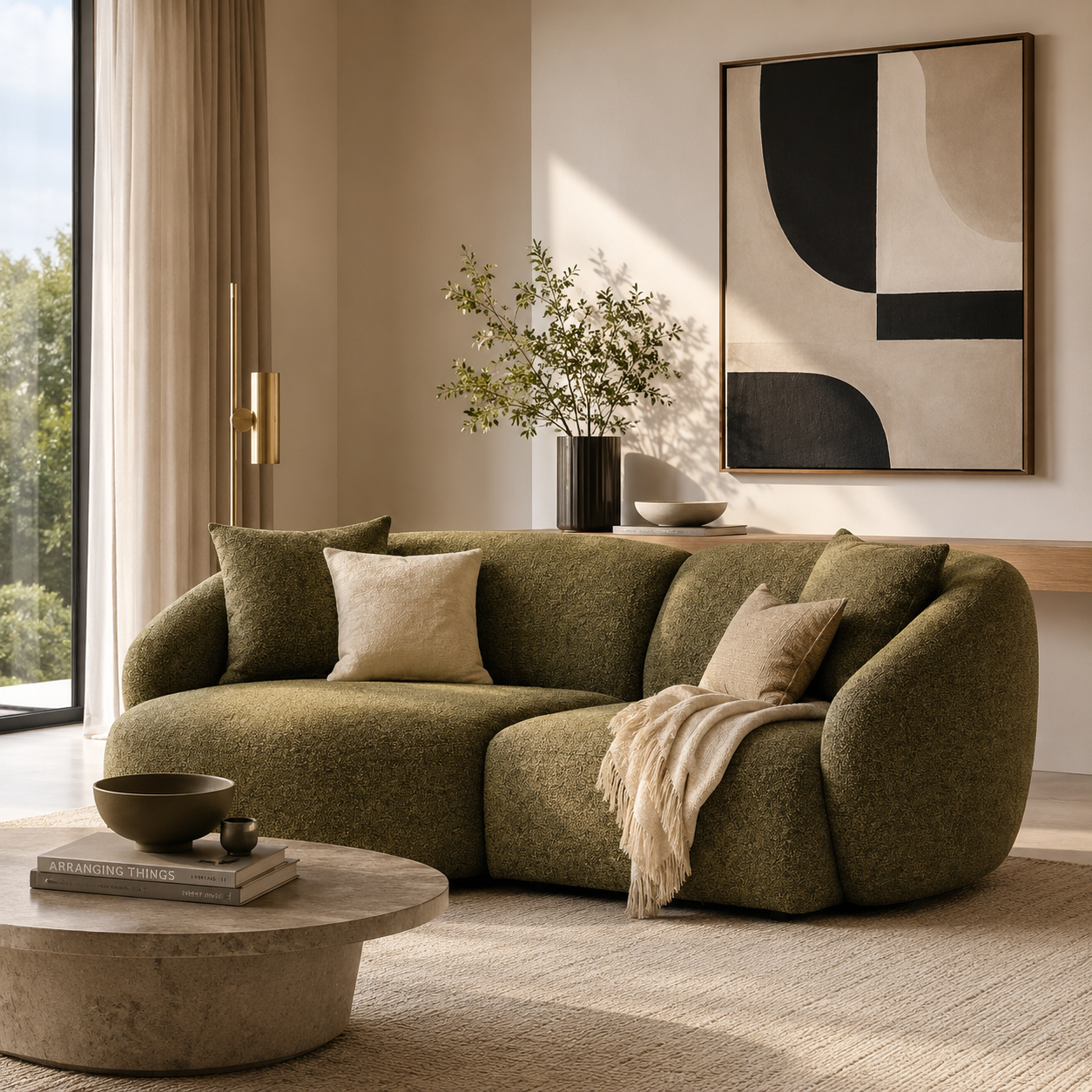



Best Sofa for Working from Home: What to Look for in a WFH Sofa
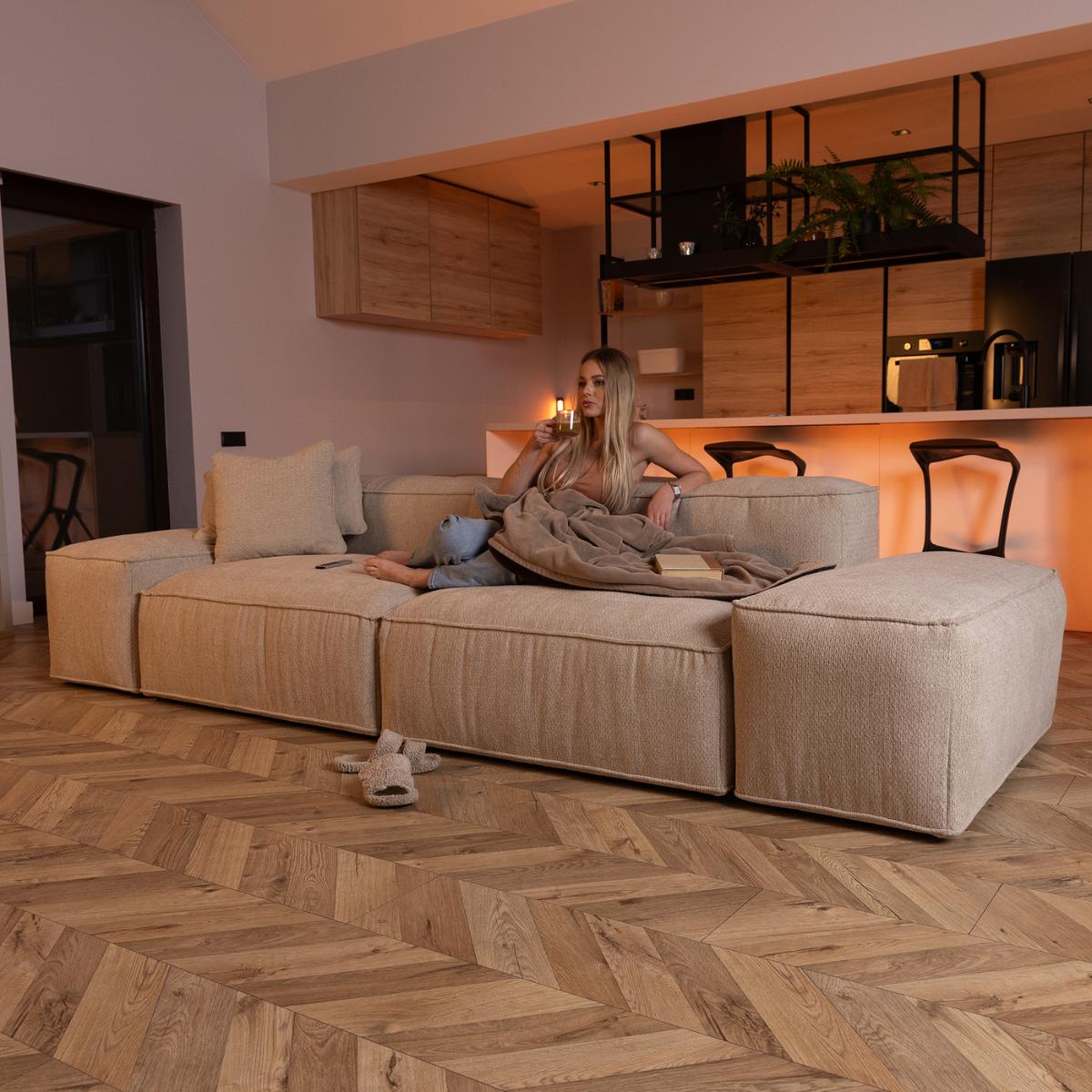
Working from home has fundamentally changed how we use our sofas. A sofa that was previously used primarily for relaxing in the evenings now also needs to function as a workspace during the day -- at minimum for informal video calls, and at maximum as a full working station for people who do not have a dedicated home office. The result is a new set of requirements that traditional sofa selection wisdom does not always address. This guide covers exactly what to look for if you want a sofa that works as well for productive work as it does for relaxation.
The key problem: sofas are not designed for work
Most sofas are designed with relaxation in mind, which means they optimise for lounging rather than sitting upright productively. Deep seat depths, low seat heights, soft and sinking cushions, and sloped back cushions are all great for watching television but poor for working on a laptop, attending video calls, or maintaining good posture for several hours. The first principle of choosing a WFH sofa is therefore to prioritise sofas that support upright, active sitting rather than deep relaxation.
What to look for: the WFH sofa checklist
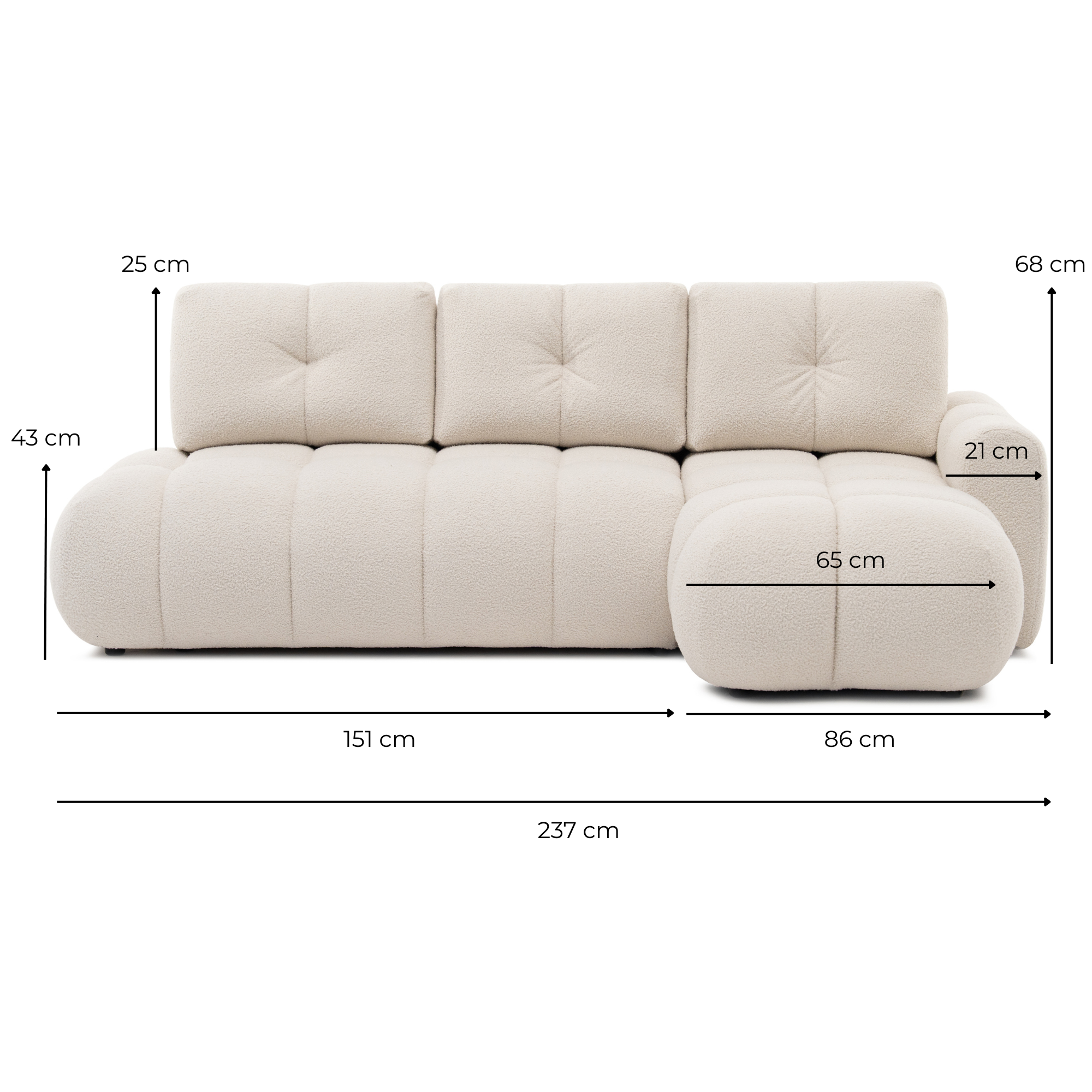
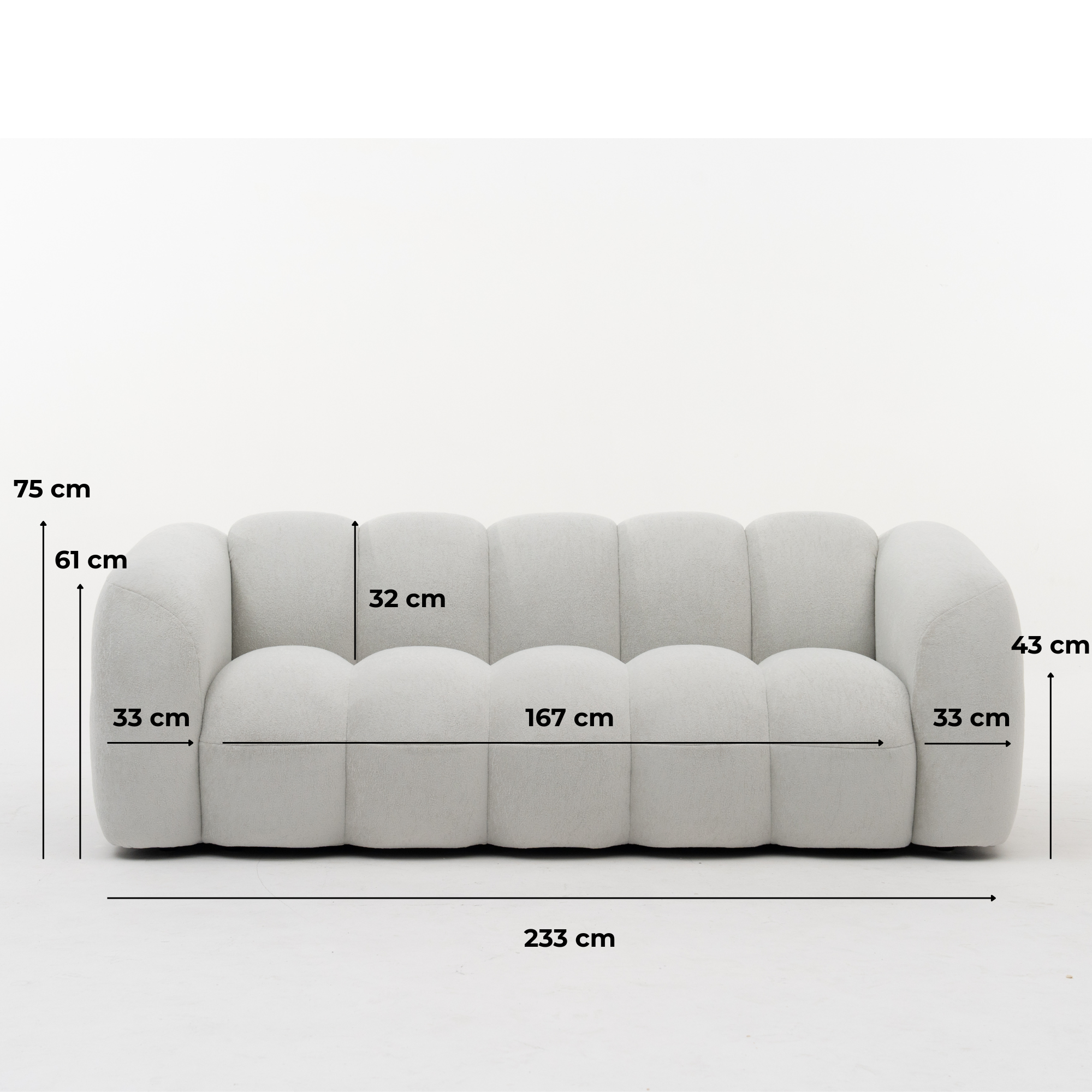
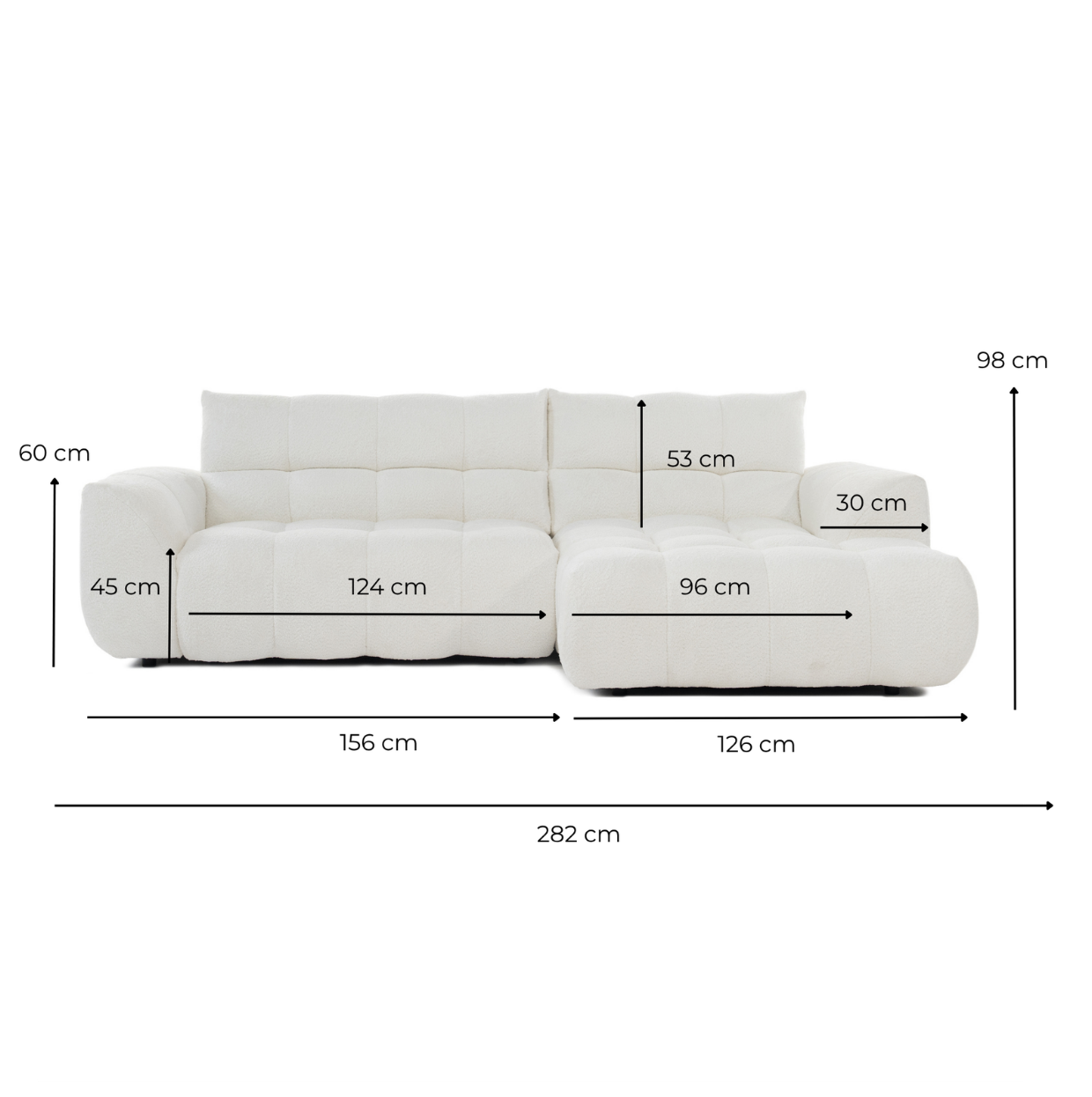
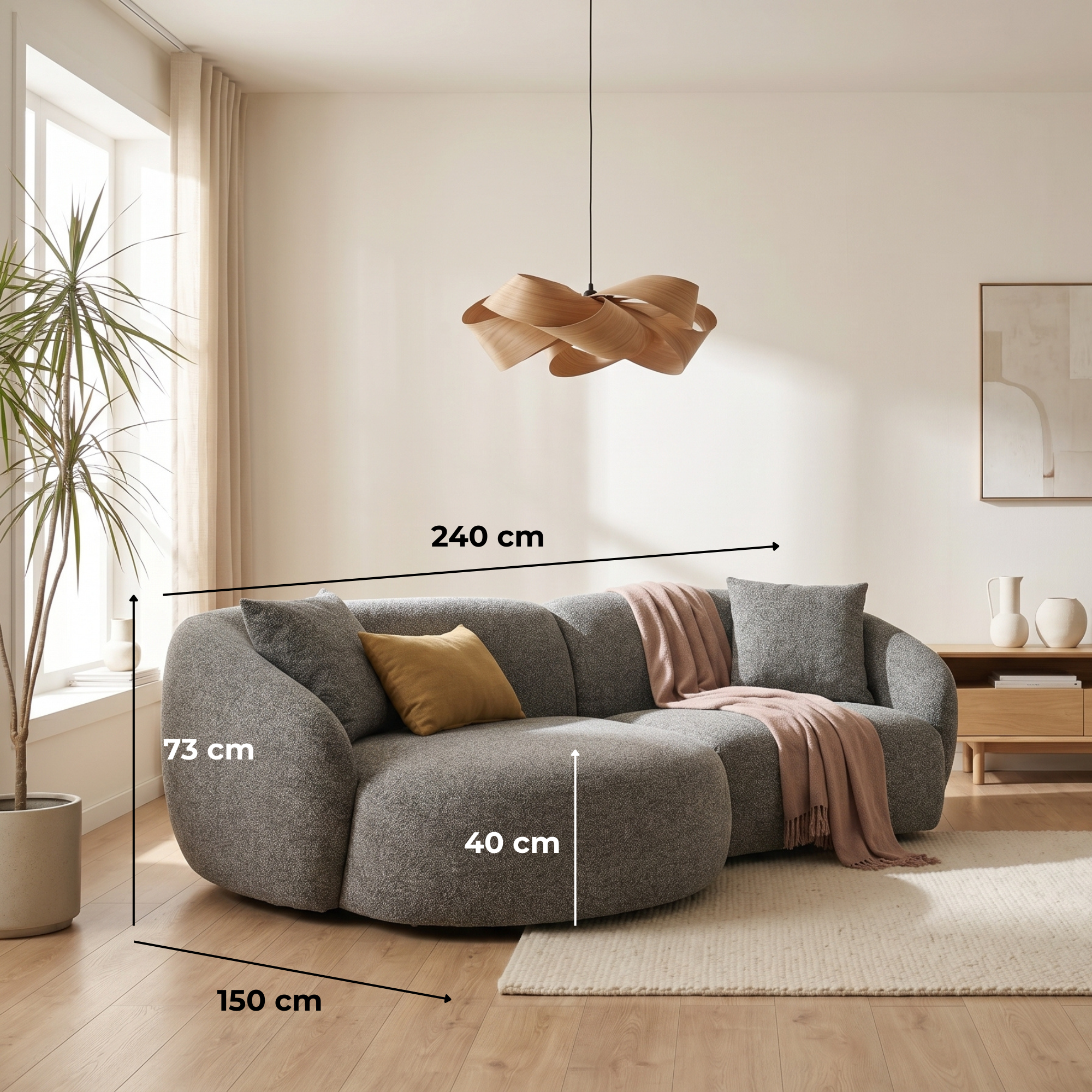
Seat height: Look for a sofa with a seat height of at least 44-48 cm from the floor. Higher seats make it easier to sit upright, access a coffee table or laptop tray, and maintain good posture. Very low seats (38-42 cm) are comfortable for lounging but poor for work. Seat depth: A shallower seat depth (50-60 cm) encourages upright sitting with both feet on the floor. Very deep seats force you to either slouch or perch at the edge. Back support: Look for firmer, upright back cushions or a sofa with built-in lumbar support. Deeply reclined back cushions do not support a productive sitting posture. Armrest height: Medium-height armrests (60-65 cm from the floor) can serve as temporary laptop support in a pinch. Too low and they offer nothing; too high and they interfere with arm movement. Fabric durability: If you are spending 4-8 hours a day on your sofa, fabric durability and resistance to wear and sweat become more important than in casual use.
The Merlot: a good WFH sofa option

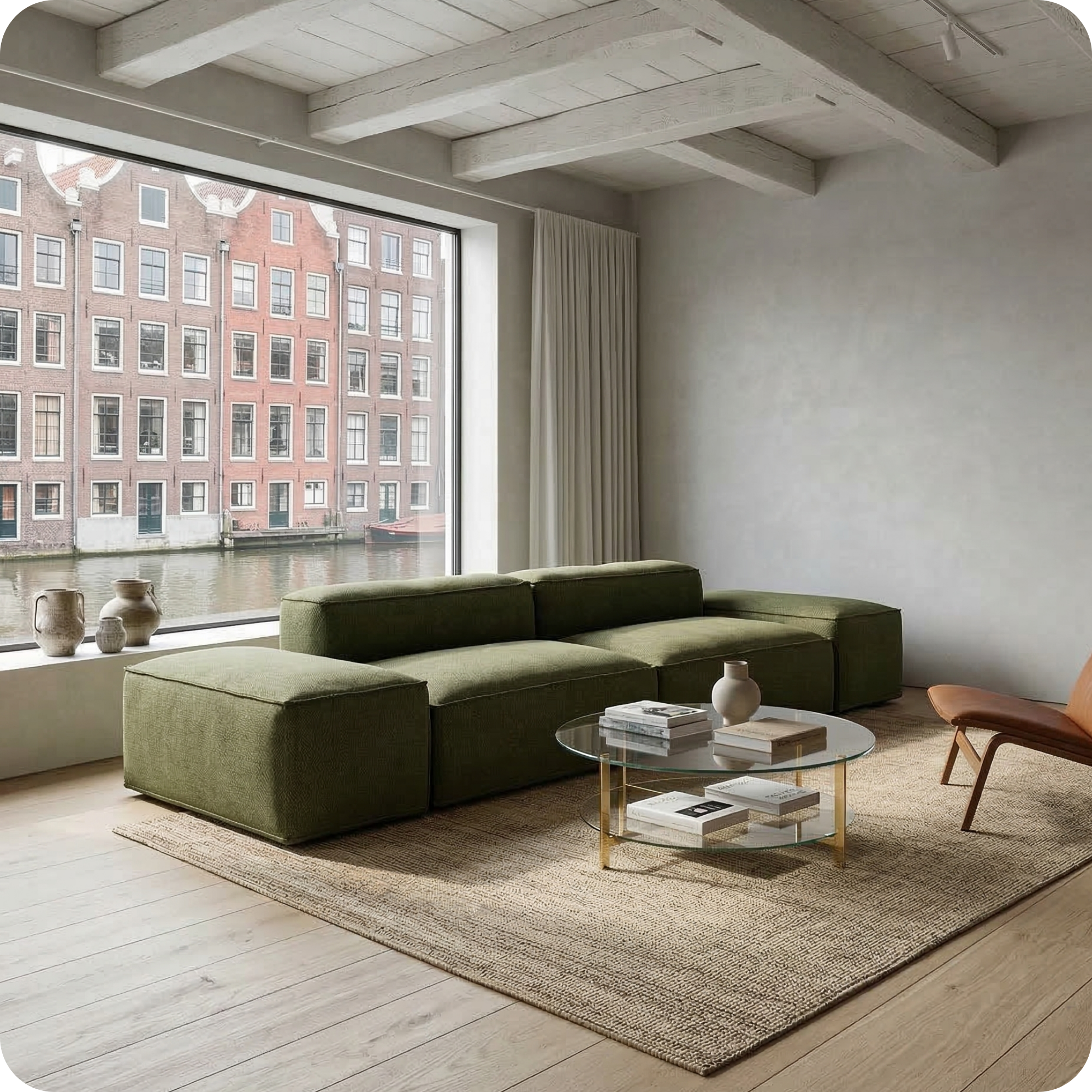
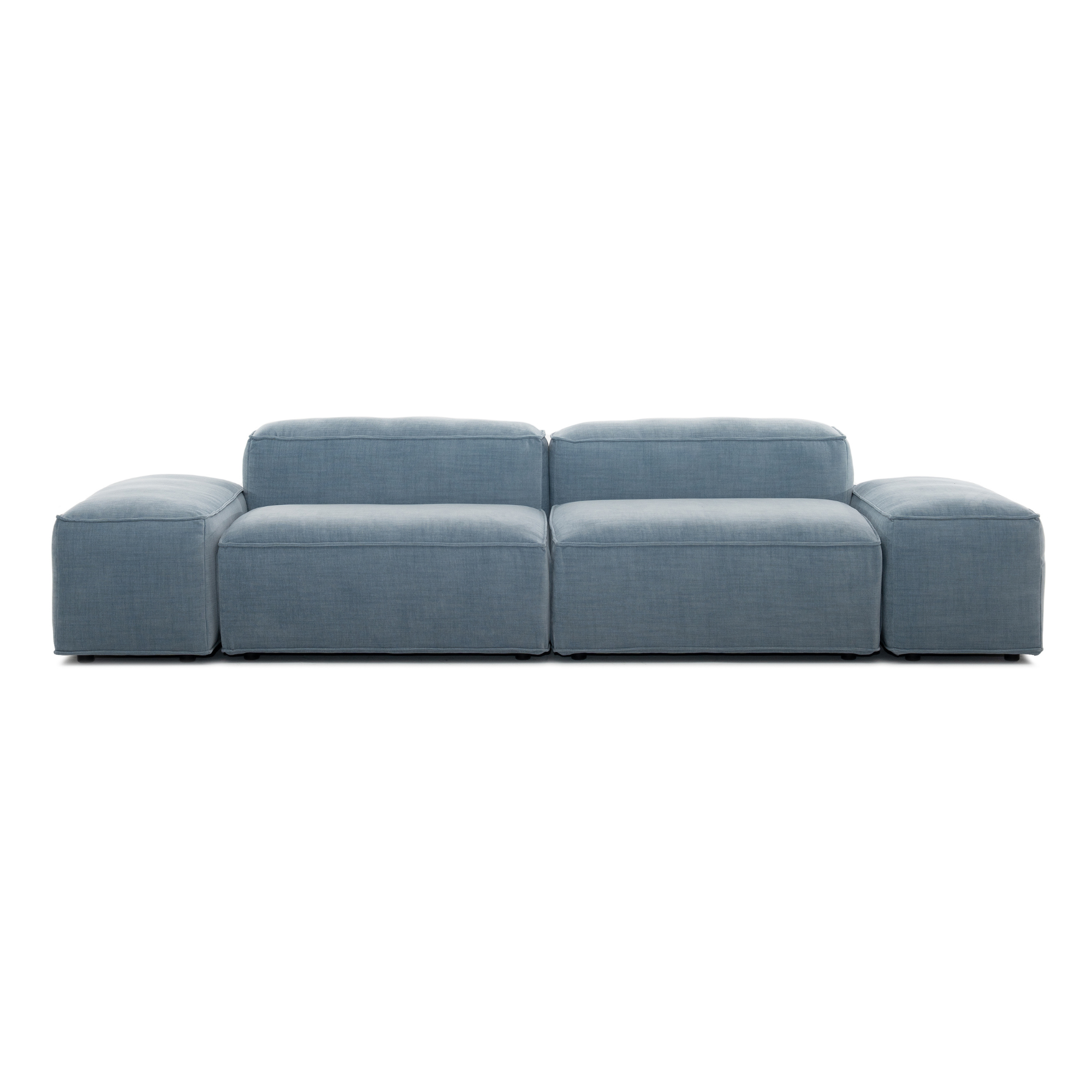
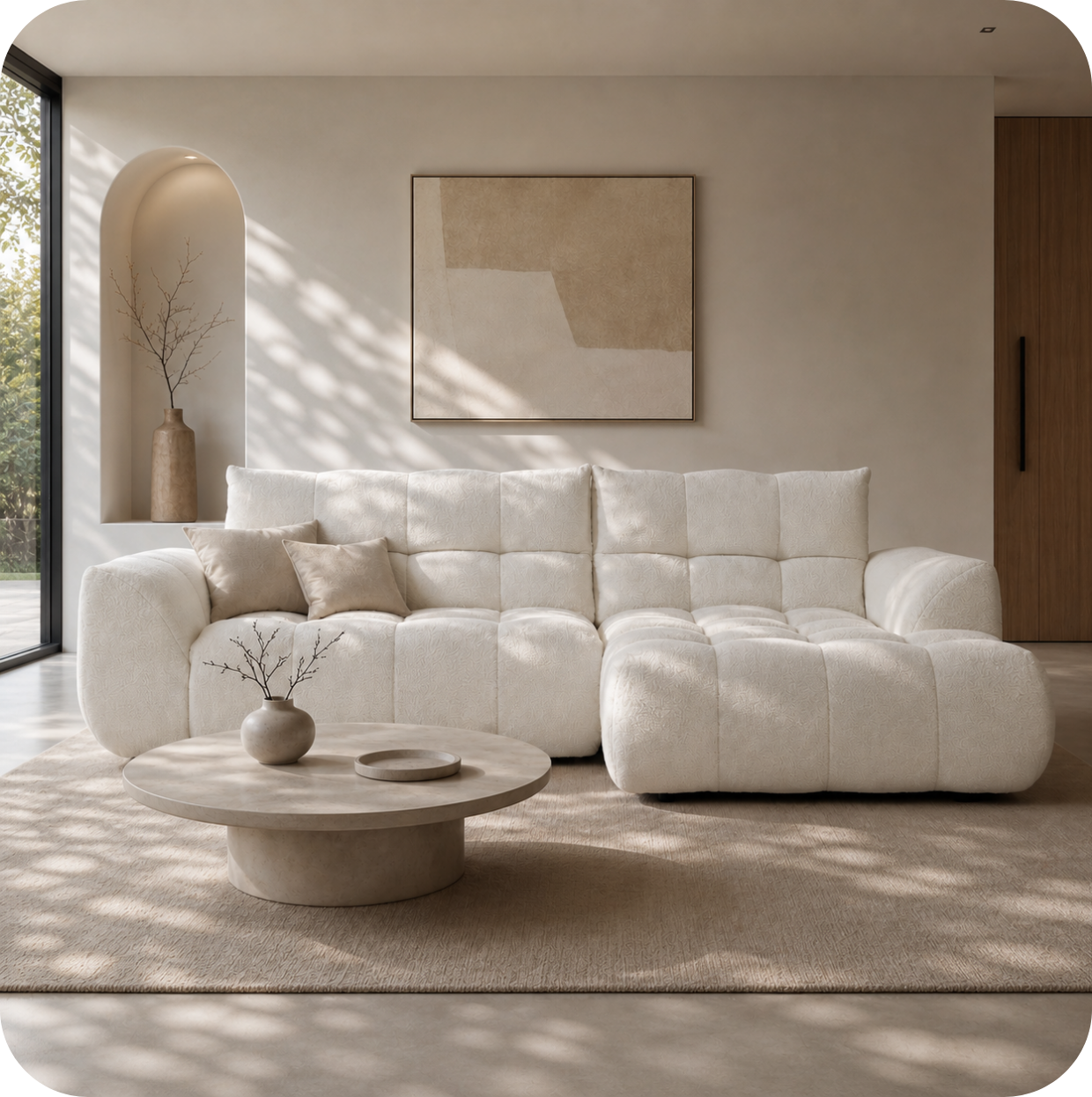
Merlot 3-Seater Modular — from €1,532
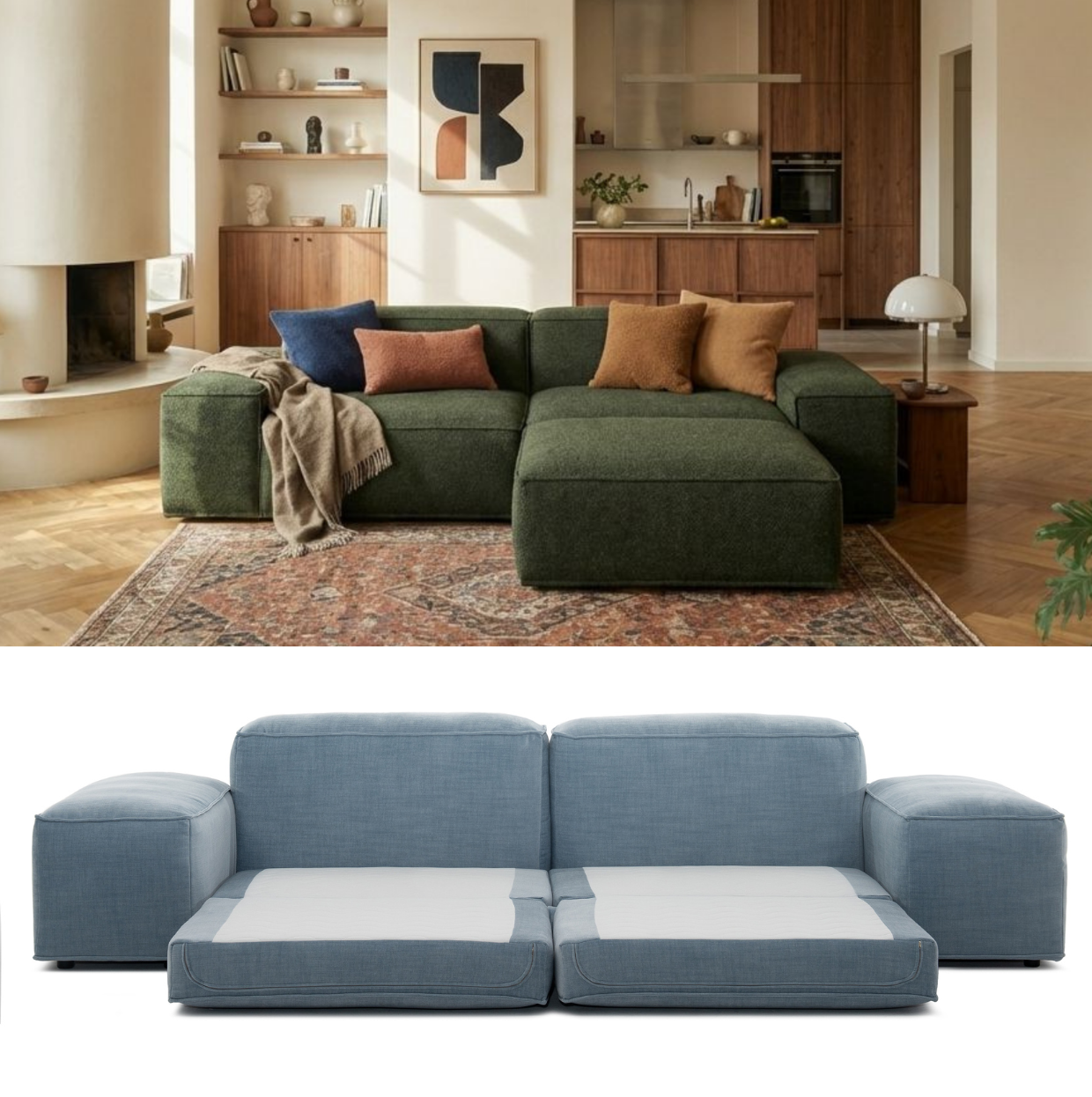
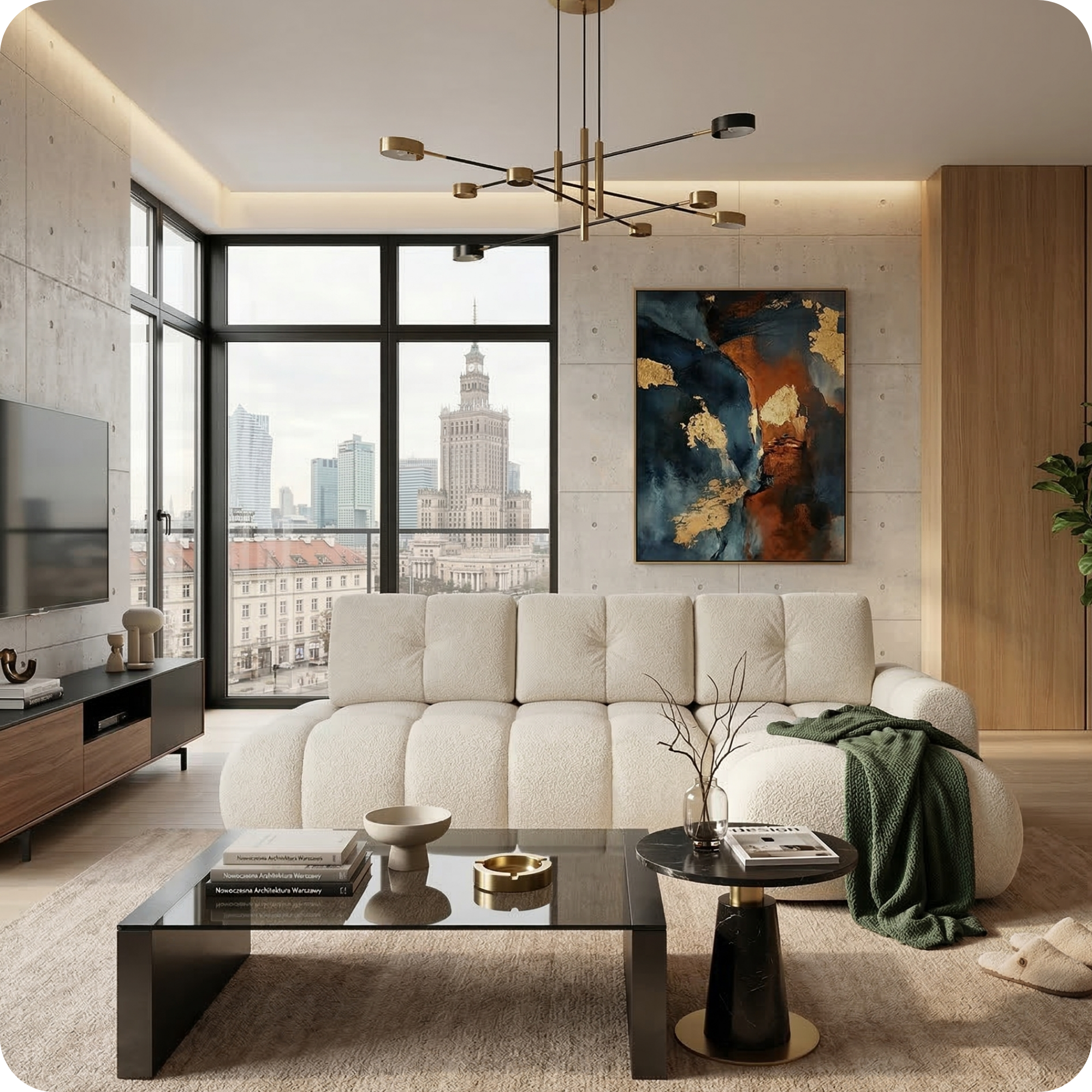
The Merlot's balanced seat depth and supportive back cushions make it one of the better Furni options for WFH use. The modular format also lets you configure the layout to separate a working zone from a relaxation zone.

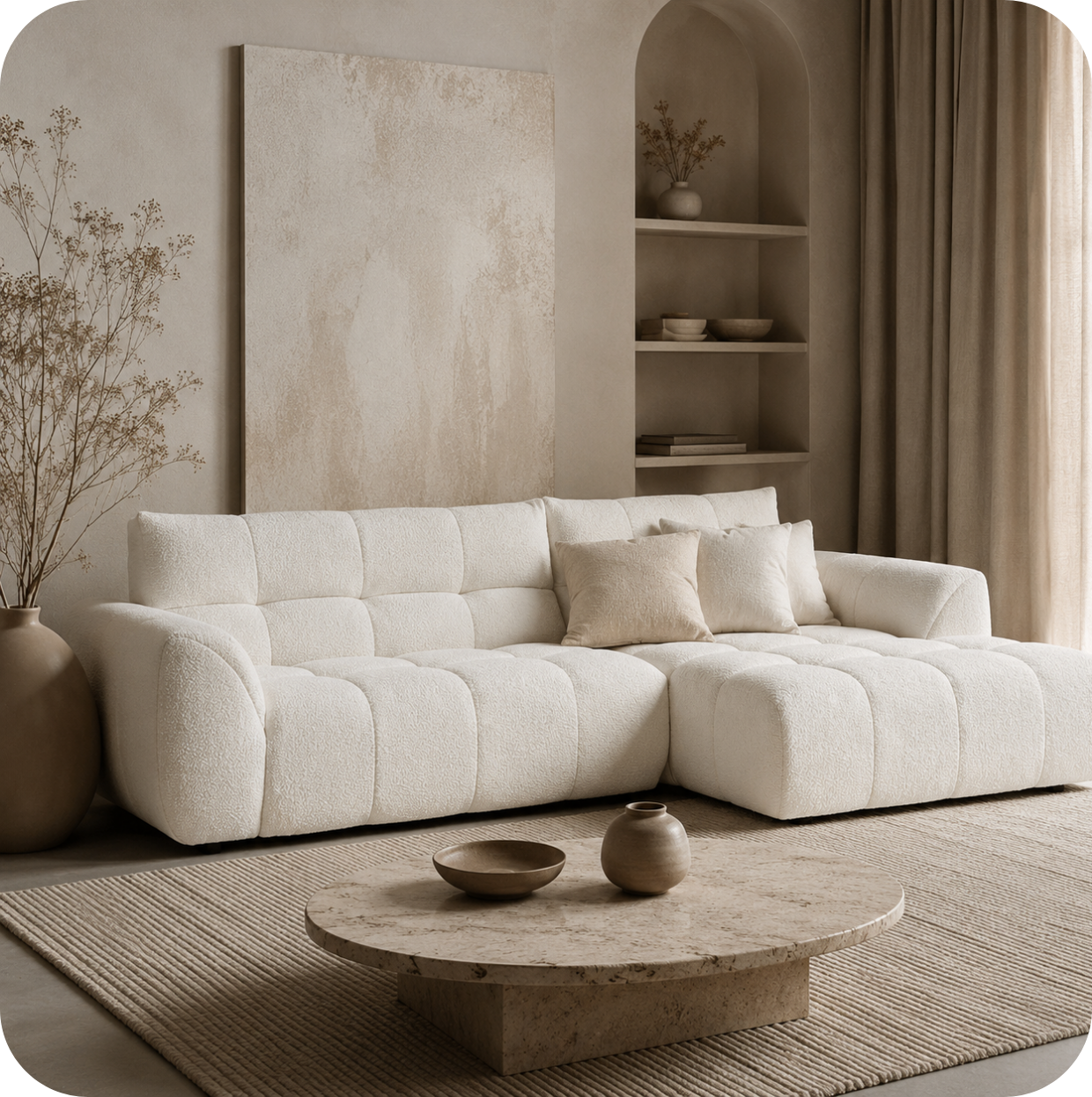
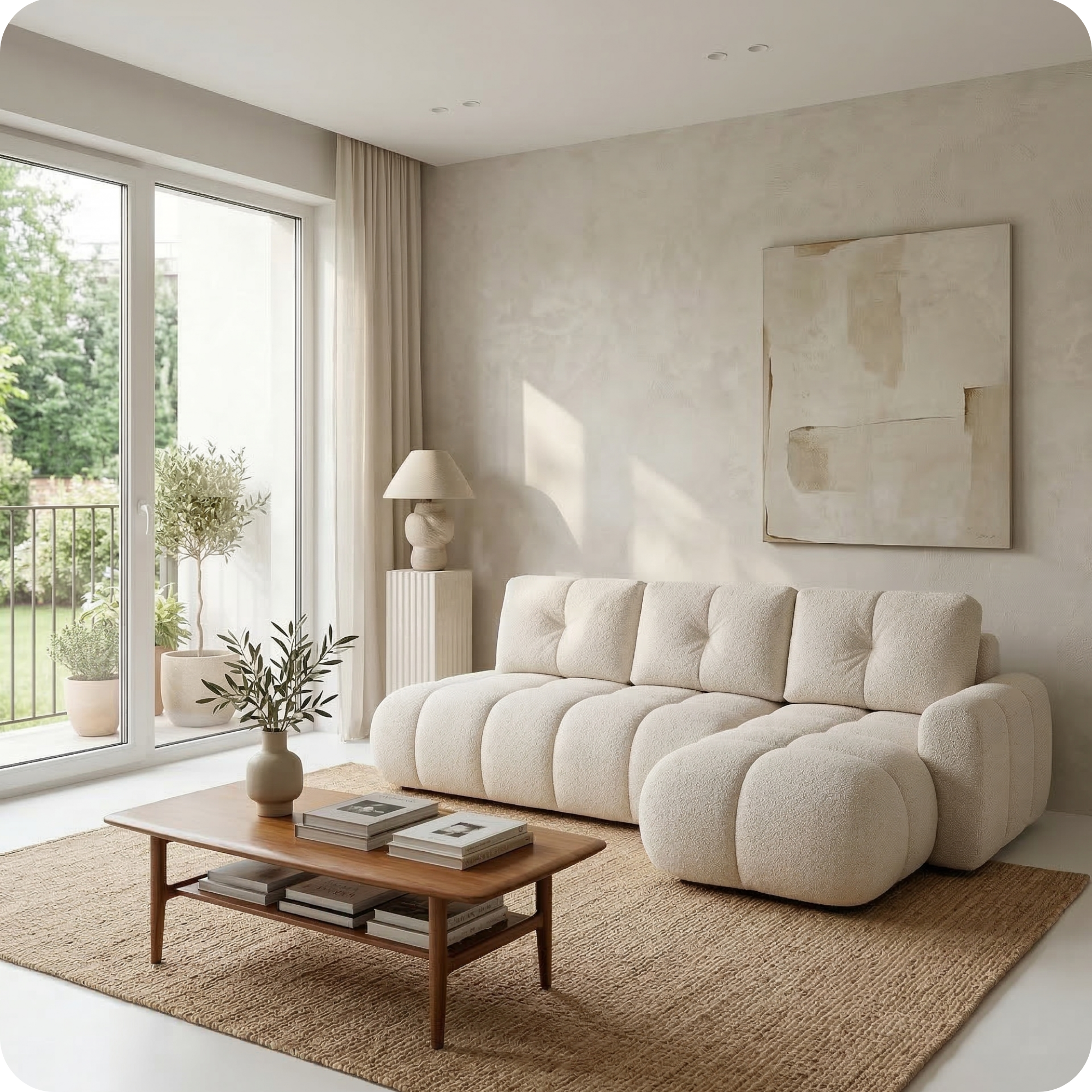
Merlot Corner with Longchair — from €1,913
The corner configuration creates a natural division: use the straight section as your working side and the longchair as your relaxation side. High armrests on this version also provide better arm support during work.
Setting up your sofa as a WFH workspace
Even if your sofa is not optimised for work, you can significantly improve the WFH experience with the right accessories. Laptop tray: A firm, stable laptop tray raises the screen to a better height and prevents the heat from your laptop transferring to your legs. Look for ones with adjustable angles. Lumbar cushion: A firm lumbar support cushion placed behind your lower back can compensate for a sofa with overly relaxed back cushioning. Footrest or ottoman: If your seat height is slightly low, a small footrest or ottoman keeps your hips at a better angle and reduces lower back strain. Monitor riser or secondary screen: Looking down at a laptop screen for hours causes neck strain. A separate raised monitor, even just propped on books on a coffee table, dramatically improves posture.
The ergonomics of sofa working: what the research says
Ergonomics research consistently shows that sitting on a conventional sofa for extended work sessions correlates with increased lower back pain, neck strain, and poor concentration. The reasons are: low seat height causing hips to drop below knees; deep seat depth preventing lumbar contact with the backrest; soft cushions failing to provide sufficient support for active sitting. These effects are reduced -- though not eliminated -- by choosing a sofa with firmer, shallower, higher-seat dimensions and supplementing with appropriate accessories.
The ideal WFH home setup
The honest recommendation from an ergonomics perspective is: use a proper desk and chair for focused work, and use the sofa for informal video calls, reading, brainstorming, and the kinds of lighter cognitive tasks that benefit from a more relaxed environment. The sofa is excellent for creative thinking, calls, research, and review -- it is less suited for long hours of concentrated writing, coding, or detailed analytical work. A hybrid approach -- desk for focused sessions, sofa for lighter work and calls -- is the most practical solution for most WFH households.
Video call considerations
One specific WFH sofa use case worth addressing separately is video calls. For video calls from the sofa, the key considerations are: camera height (your device needs to be at eye level, not below), background (what is visible behind you), and lighting (avoid sitting with a bright window directly behind you). A sofa against a neutral wall with soft side lighting and a laptop on a raised tray provides a professional-looking call setup without requiring a dedicated office.