



Best Sofa for Working from Home: Comfort, Posture and Productivity
Working from home has transformed how we use our living rooms. For millions of people, the sofa is now a secondary workspace -- a place for laptop calls, reading, reviewing documents, or taking meetings. This creates a specific requirement: a sofa that is comfortable for extended upright sitting, not just for relaxing or watching television. The requirements for a good work sofa are different from those for a relaxation sofa, and understanding the difference can significantly improve both your comfort and your productivity over a working day.
Why Seat Height Matters for Working
When working on a laptop on a sofa, the natural tendency is to rest the laptop on your lap. This position -- knees raised, back curved, neck bent forward -- is one of the most consistently problematic postures for prolonged working sessions. A sofa with a higher seat height (42-46 cm) allows you to sit more upright with a low coffee table or laptop stand in front of you at a better working height, which significantly reduces neck and lower back strain compared to a very low, deep-seat sofa. If you regularly work from your sofa, seat height should be a primary consideration alongside your usual comfort criteria.
Seat Depth: Not Too Deep for Work
Very deep sofas (seat depth 70 cm+) are excellent for lounging but poor for working. A deep seat forces either an upright position where your back is unsupported (perching on the edge), or a reclined position with the laptop raised uncomfortably. A seat depth of 55-65 cm represents the best compromise for combined relaxing and working use. If you have a deep sofa and work from it regularly, positioning a firm cushion or lumbar support pillow at your lower back can substantially improve your posture.
Back Support for Work Use
Back cushions that provide clear lumbar support are significantly more useful for working than flat or very soft back sections. When evaluating a sofa for work use, sit upright against the back cushions and notice whether the lower back (lumbar region) is supported in a natural curve position or whether it is unsupported and rounded. Sofas with separate upper and lower back cushions often provide better lumbar support than single large back cushions, because the lower cushion can be positioned more precisely. A sofa with a built-in lumbar support profile is the ideal but is uncommon in residential furniture.

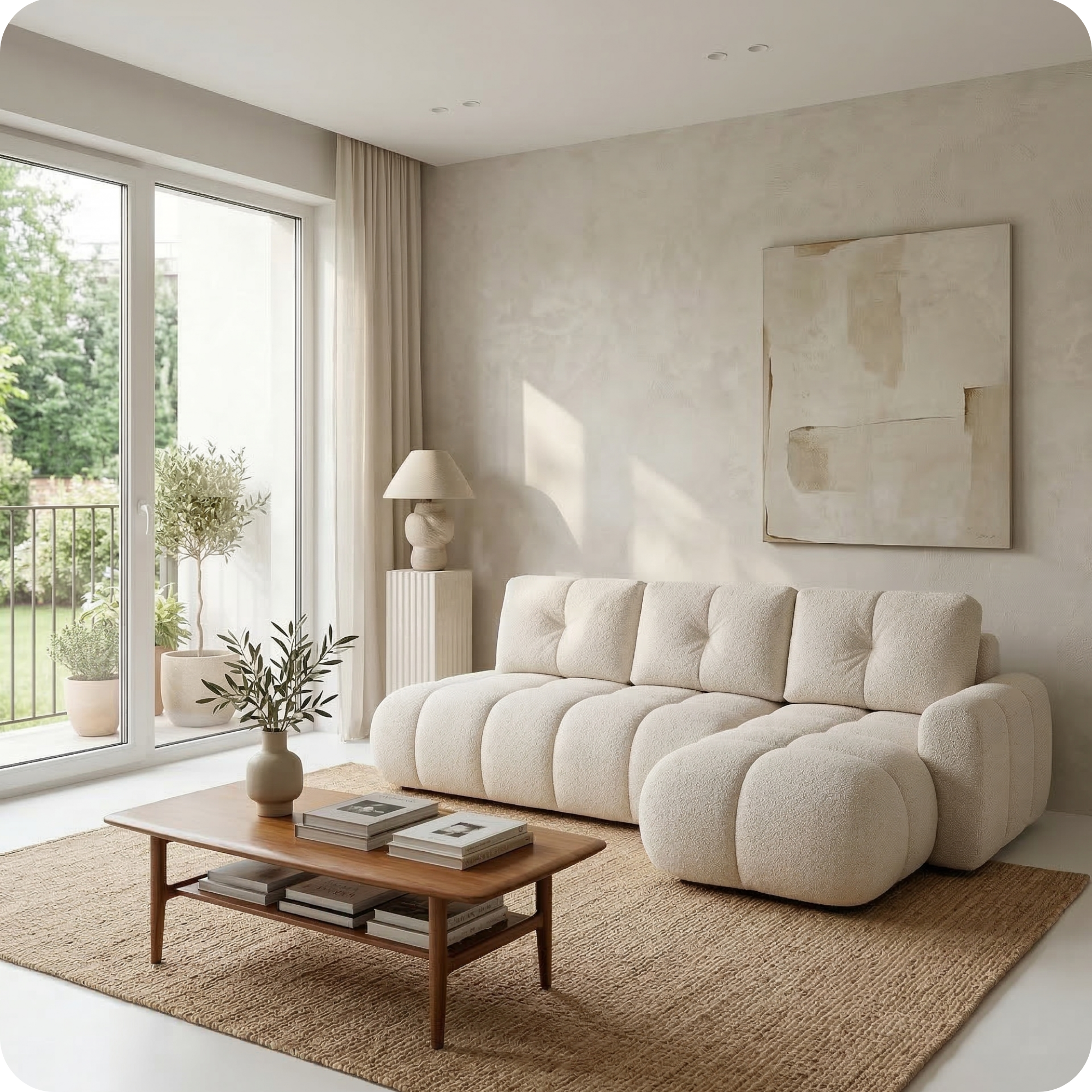
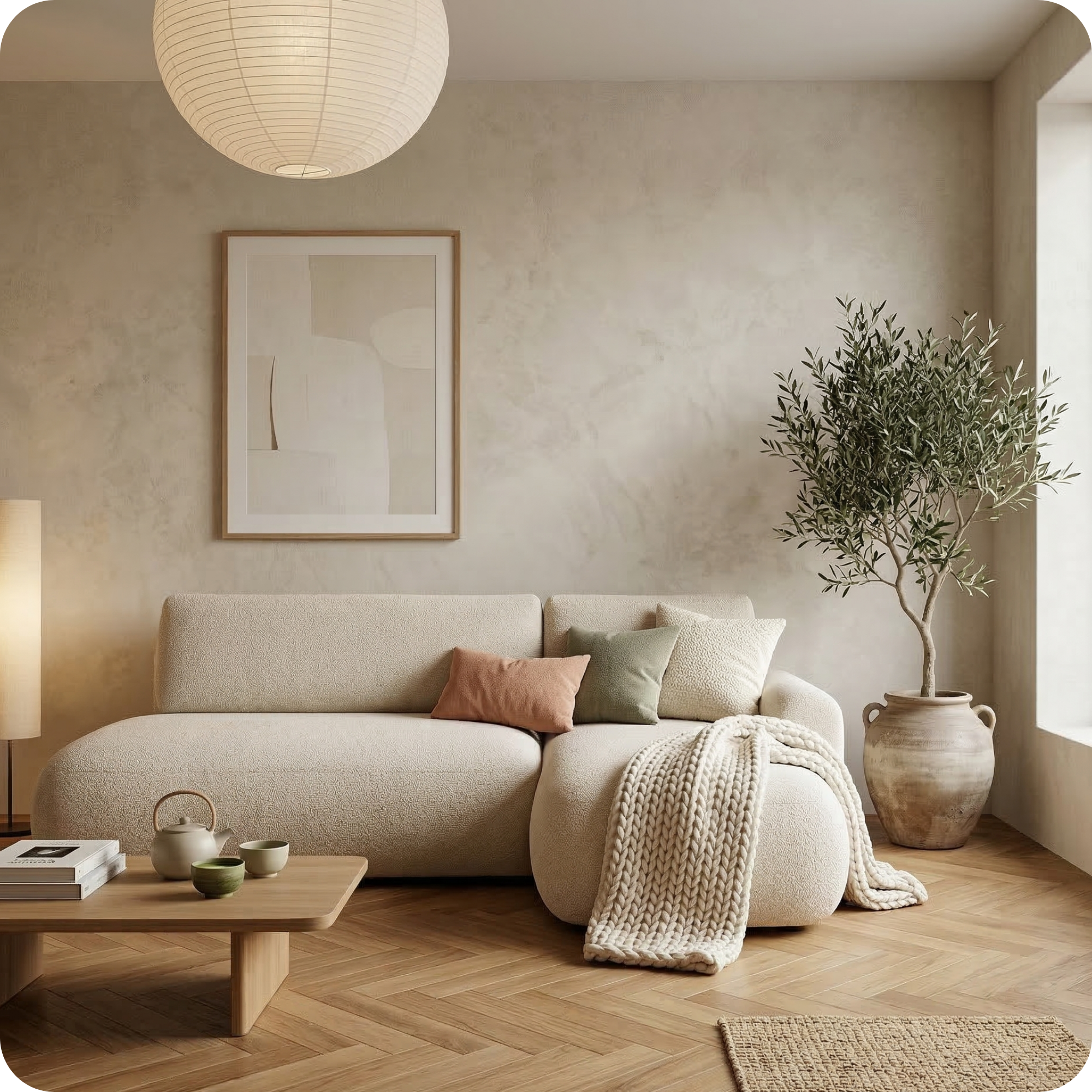
Riva 3-Seater Sofa — from EUR 1.390
The Riva's structured seat and good seat height make it a comfortable option for combined relaxing and working use. The well-defined back cushions provide the lumbar support needed for upright sitting over longer working sessions.

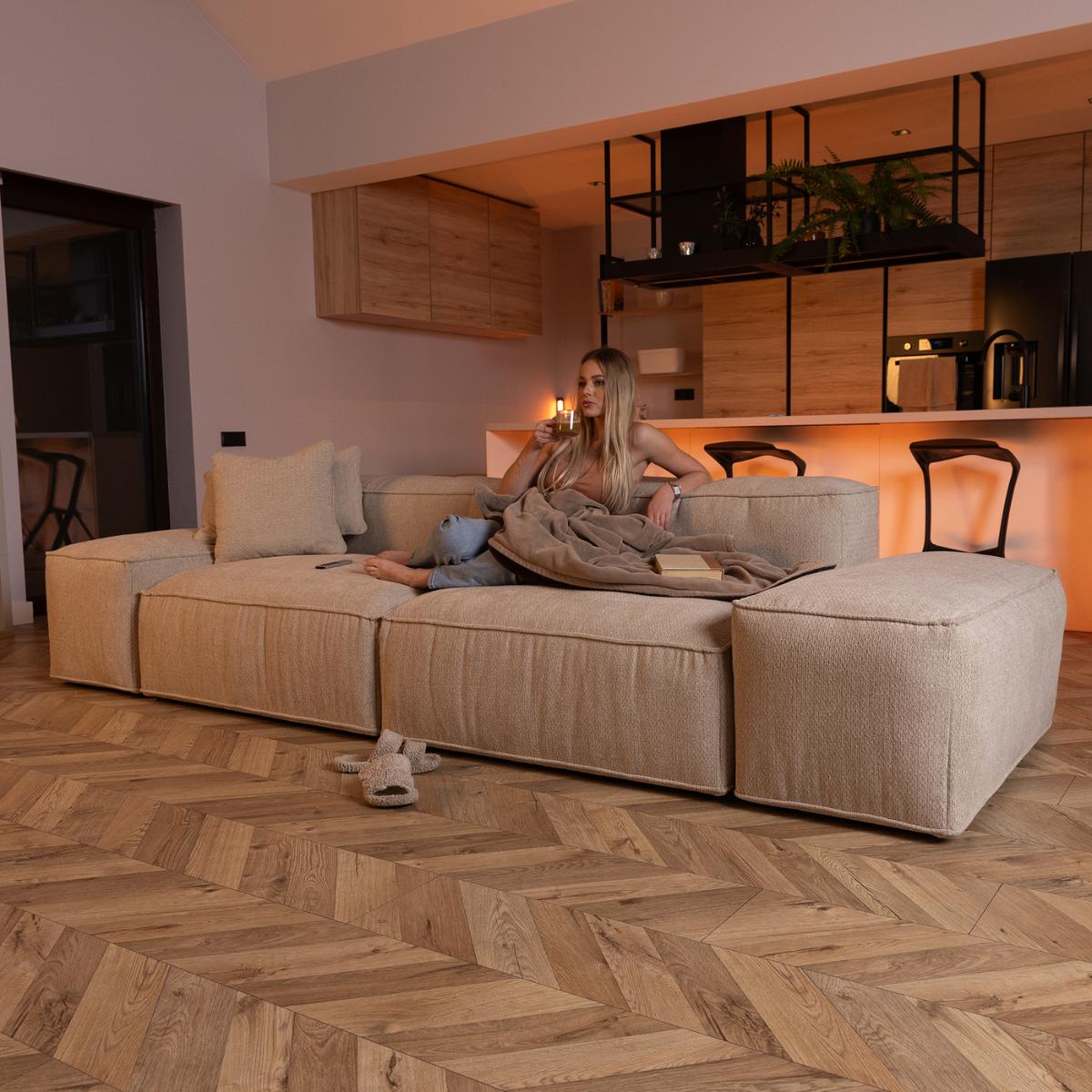
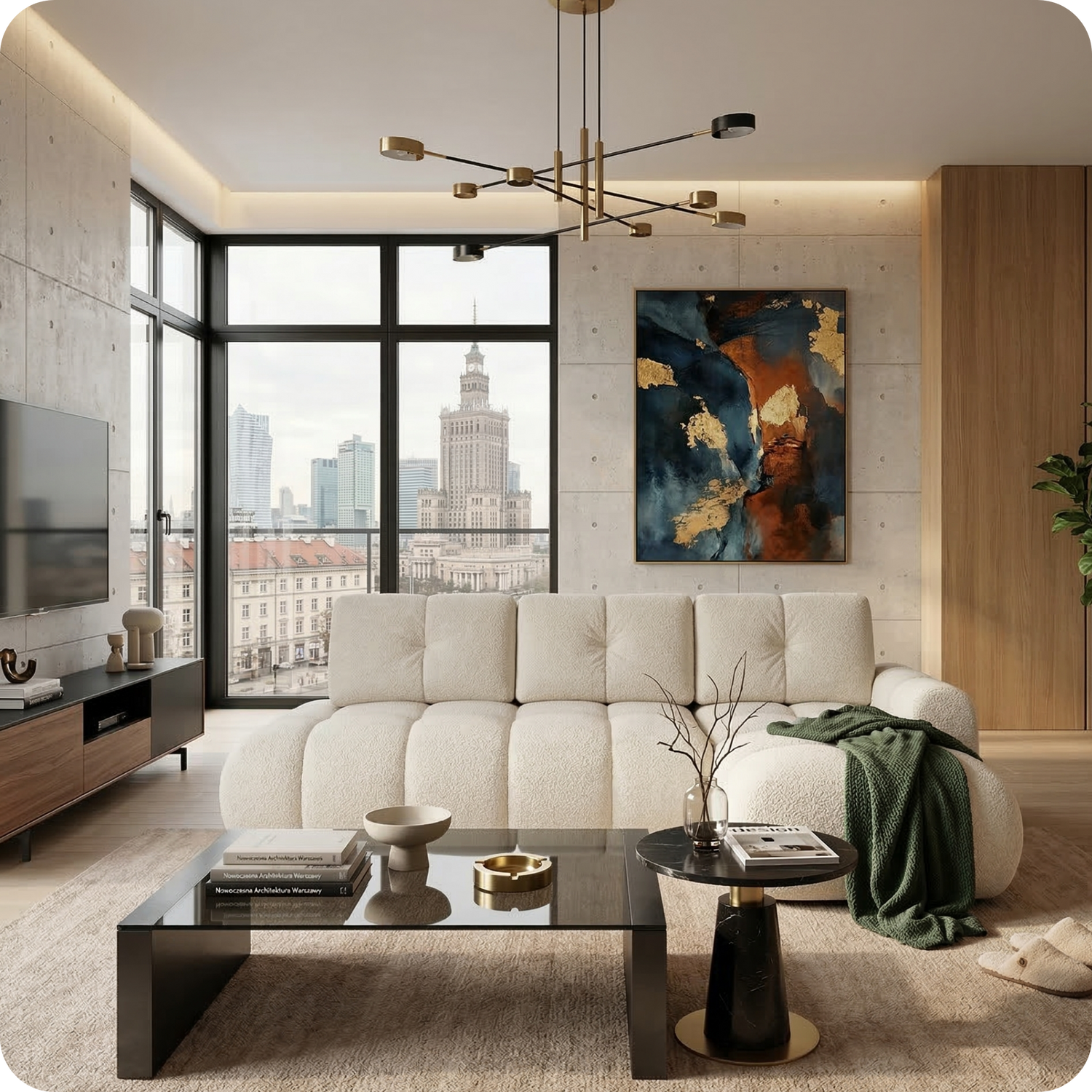
Merlot Modular Sofa — from EUR 1.490
The Merlot's clean proportional seating -- appropriate seat height, moderate depth, and structured back cushions -- makes it well suited to the range of sitting positions that working from home requires. The low armrests allow a natural elbow position when working with a laptop.
Setting Up a Sofa Working Station
If your sofa is your primary alternative working space, small adjustments make a significant difference to comfort and output quality. A low adjustable laptop stand placed on a coffee table brings the screen to eye level, which eliminates the neck strain of looking down at a laptop on your lap. Paired with a wireless keyboard and mouse on the coffee table surface, this creates an ergonomically reasonable workspace. A side table beside the sofa gives you a surface for your drink, phone, and notebook without needing to lean across the coffee table. Good lighting from a floor lamp beside the sofa (positioned to illuminate your screen without creating glare) completes the setup.
Armrests and Laptop Use
Armrests at the right height (approximately 60-65 cm from the floor) can provide useful elbow support when working on a laptop. Armrests that are too high force the shoulders up and create tension; armrests that are too low provide no support. Wide, flat armrests that can support a laptop temporarily while you review a document are a practical detail found on some sofas. Very low armrest designs (fashionable in current interior design trends) are less useful for laptop work but can be compensated for with a cushioned lap tray.
The Corner Sofa as a Home Office Space
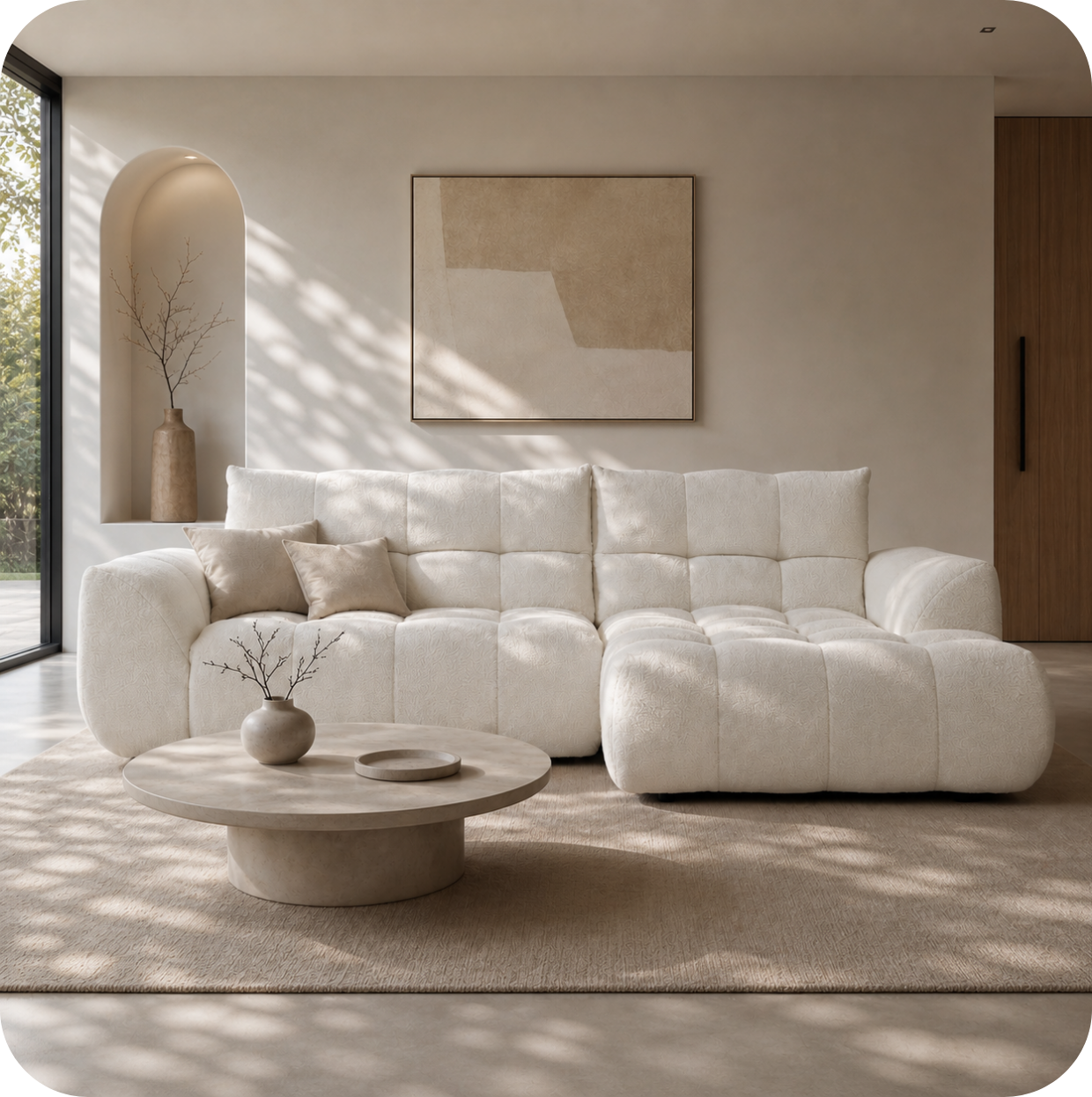
A corner sofa creates a natural working position on the longchair section: lie slightly reclined with the laptop on your lap for light reading or call monitoring, or sit upright at the corner junction with back support on both sides. The longchair can also serve as the thinking or reading space in a work-from-home routine. For people who mix focused desk-based work with looser laptop-based tasks, a corner sofa provides the flexibility of different physical positions within a single piece of furniture -- an underappreciated practical advantage of the format.
Video Call Background Considerations
If you take video calls from your sofa, the sofa is part of your professional visual backdrop. A sofa in a neutral, clean colour with coordinated cushions reads well on camera. The area behind the sofa should be uncluttered -- a bookshelf, a plant, or a piece of art reads significantly better than a messy room or a blank wall with visible wires. Positioning yourself with a light source (natural light from a window, or a desk lamp) in front of you rather than behind you ensures your face is well-lit, which is the single most important visual factor in a video call impression.

Atstāt komentāru
This site is protected by hCaptcha and the hCaptcha Privacy Policy and Terms of Service apply.